
Stop entering the amount twice
Retyping the order total at the register increases the risk of wrong amounts and duplicate transactions. With a compatible integration, the amount is transferred to the device.
INTEGRATED PAYMENT FLOW FOR RESTAURANTS
Send the Paketmaster order total to a compatible cash register POS device, match the payment result with the order, and run the receipt process in a single, traceable operations flow.
Integration scenarios for compatible Ingenico new-generation fiscal (ÖKC) devices and Ödeal solutions
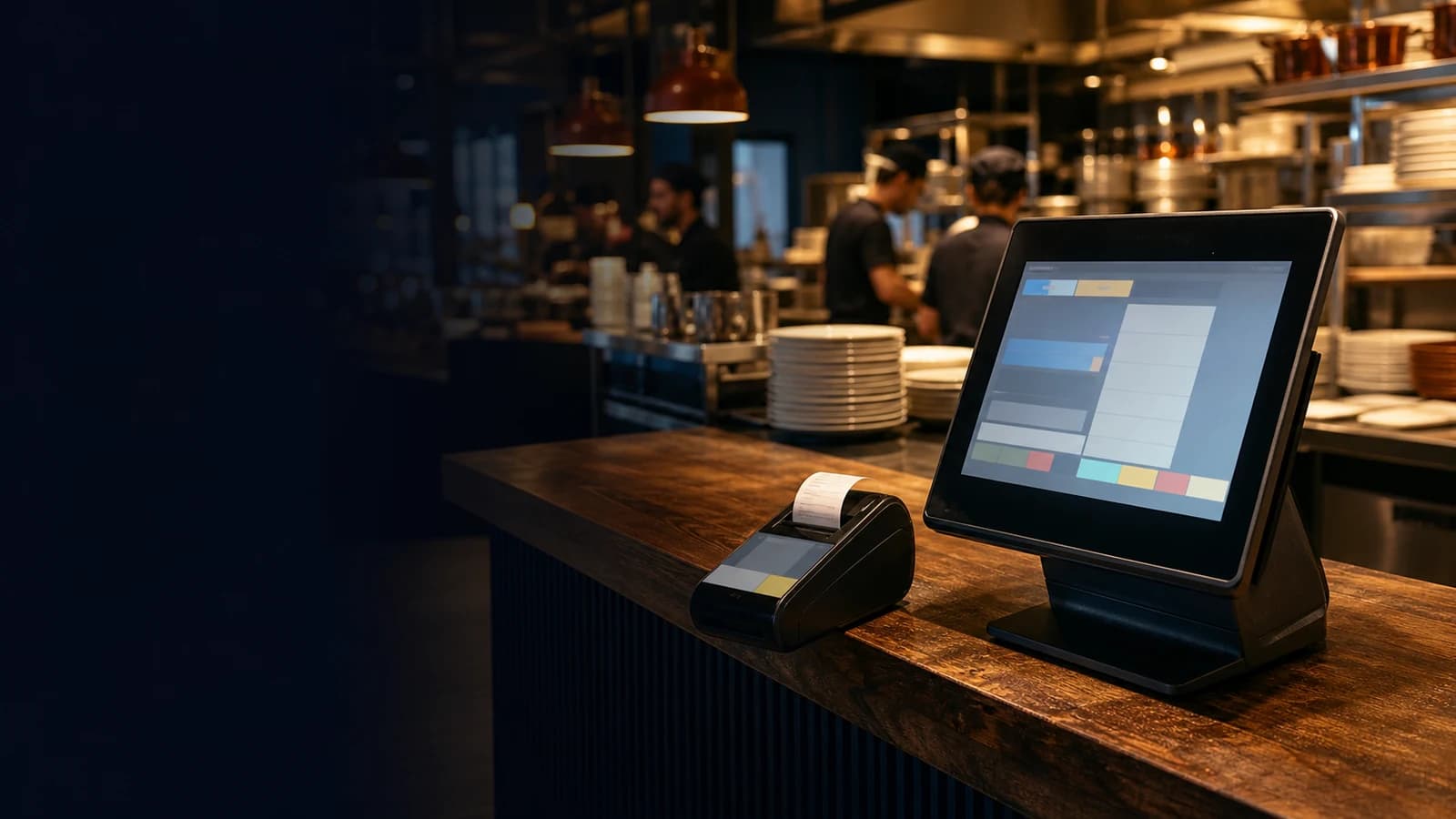
Paketmaster can be configured to work with Ingenico new-generation fiscal (ÖKC) devices and Ödeal solutions whose technical compatibility has been verified. The supported device model, software version, payment profile, and e-document scope are checked before setup.

Not every device model or payment profile within the same brand is automatically compatible.
REDUCE MANUAL WORK
Retyping the order total at the register increases the risk of wrong amounts and duplicate transactions. With a compatible integration, the amount is transferred to the device.
When the payment result is linked to the related check or order record, register control and end-of-day reconciliation become more traceable.
Instead of leaving the fiscal document flow to staff memory as a separate task, tie it to the payment process. The document type and automation scope are configured based on the device in use and the business's regulatory situation.
FROM ORDER TO RECEIPT
Orders from tables, delivery, phone, or supported online channels are managed on a single operations screen.
When staff start the payment, the order total is transferred to the supported new-generation fiscal (ÖKC) POS device.
The customer completes the transaction with a supported payment method. The receipt or related e-document flow runs according to the device and setup profile.
Successful, failed, cancelled, or refunded results are associated with the order record, simplifying register control and reporting.
COMPATIBLE SOLUTIONS
The goal is to transfer the payment information created in Paketmaster to a compatibility-verified Ingenico new-generation fiscal (ÖKC) device and write the transaction result back to the order. The model, software version, and authorized service requirements are checked before setup.
The Paketmaster–Ödeal setup is planned around the business's device and its active payment/e-document profile. Since payment profiles and fiscal-document profiles may not cover the same scope, an end-to-end test is run before going live.
A MORE CONTROLLED REGISTER OPERATION
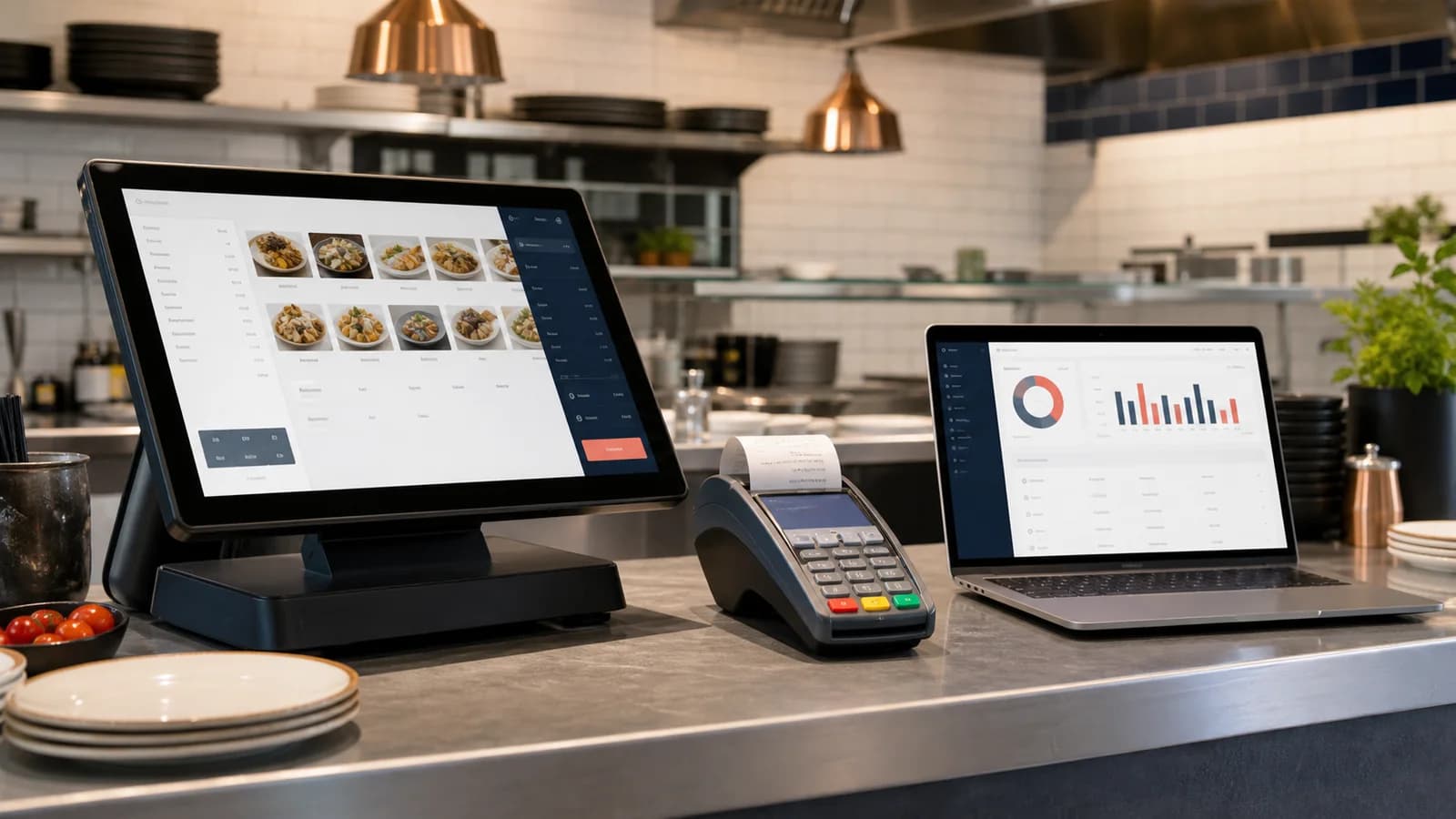
Reduce the need to retype the order total on the device.
Limit staff switching between screens.
Track the payment result together with the related check.
Follow transaction history in the context of the order.
Compare device and bank records with Paketmaster orders.
Reuse approved devices and test scenarios in new branches.
In businesses required to use a fiscal cash register (ÖKC), the sales software, external hardware, and the related EFT-POS flow may need to work connected to and compatible with a new-generation ÖKC. The exact scope depends on the business's tax status, sales model, device type, and document scenario.
Read the cash register POS integration and legal framework guideThis page is for general information only and is not financial or legal advice. Verify the obligations that apply to your business with your financial advisor and an authorized ÖKC service.
A FLOW THAT FITS YOUR BUSINESS TYPE
Businesses that want table and register payments linked to the check.
Teams that want phone, pickup, and online-channel orders matched with the payment and receipt process.
Operations that want approved devices, product mapping, and test scenarios standardized across branches.
Setups that want payment records from multiple brands and order channels to be more traceable.
GOING LIVE
The current device model, serial number, software version, payment profile, bank, and document scenario are identified.
The Paketmaster team verifies the support scope of the device and integration profile; authorized service steps are planned if needed.
Products, VAT, departments, payment types, and document rules are configured in a test environment.
Live use starts after cash, card, split payment, cancellation, refund, discount, online-paid order, and connection-loss scenarios are verified.
Paketmaster offers integration scenarios with compatibility-verified Ingenico new-generation fiscal (ÖKC) devices and Ödeal solutions. The supported model, software version, payment profile, and e-document scope are confirmed before setup.
Not always. If your device's exact model, version, and active profile are supported, the integration can be planned. If it is not compatible, an alternative device or profile option is evaluated.
The automation level depends on the device in use, the transaction type, the payment profile, and the business's document obligations. Each document scenario must be tested separately during setup.
The retry, cancellation, and manual-continuation procedure applied during a connection loss is defined per device/profile. This scenario is always tested before going live.
Support scope can vary by device and integration profile. The cancellation, refund, discount, and split-payment flows your business uses are added to the setup checklist and verified.
No. The technical integration does not replace other obligations such as correct device registration, product/VAT mapping, document types, and authorized service procedures. Confirm the exact scope with your financial advisor and authorized service.
Let's assess your device and payment scenario together and plan the Paketmaster cash register POS integration setup that fits you.